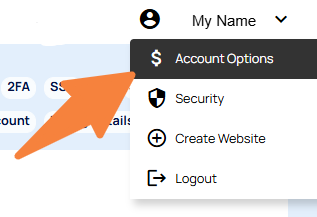
In the CMS you can change your primary login email via your name on the top right of the dashboard.
- Click your name on the top right of the CMS
- Then choose Account Options
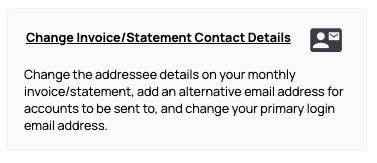
- Select Change invoice / Statement Contact Details and follow the prompts.
Note: This will update the primary email address, and also where the monthly statements and notifications are sent.