
Within the DESIGN > Template Editor section of the CMS is the ability to have up to eight variations of your template, allowing for different layouts or functionality.
By customising the HTML and [TAGS] used within these templates - labelled TEMPLATE A through to TEMPLATE H, pages on your website.
Example site using different templates
The FOMO theme uses a one-column template TEMPLATE A for most pages, but for the shopping cart has a side column search added to the TEMPLATE B template.
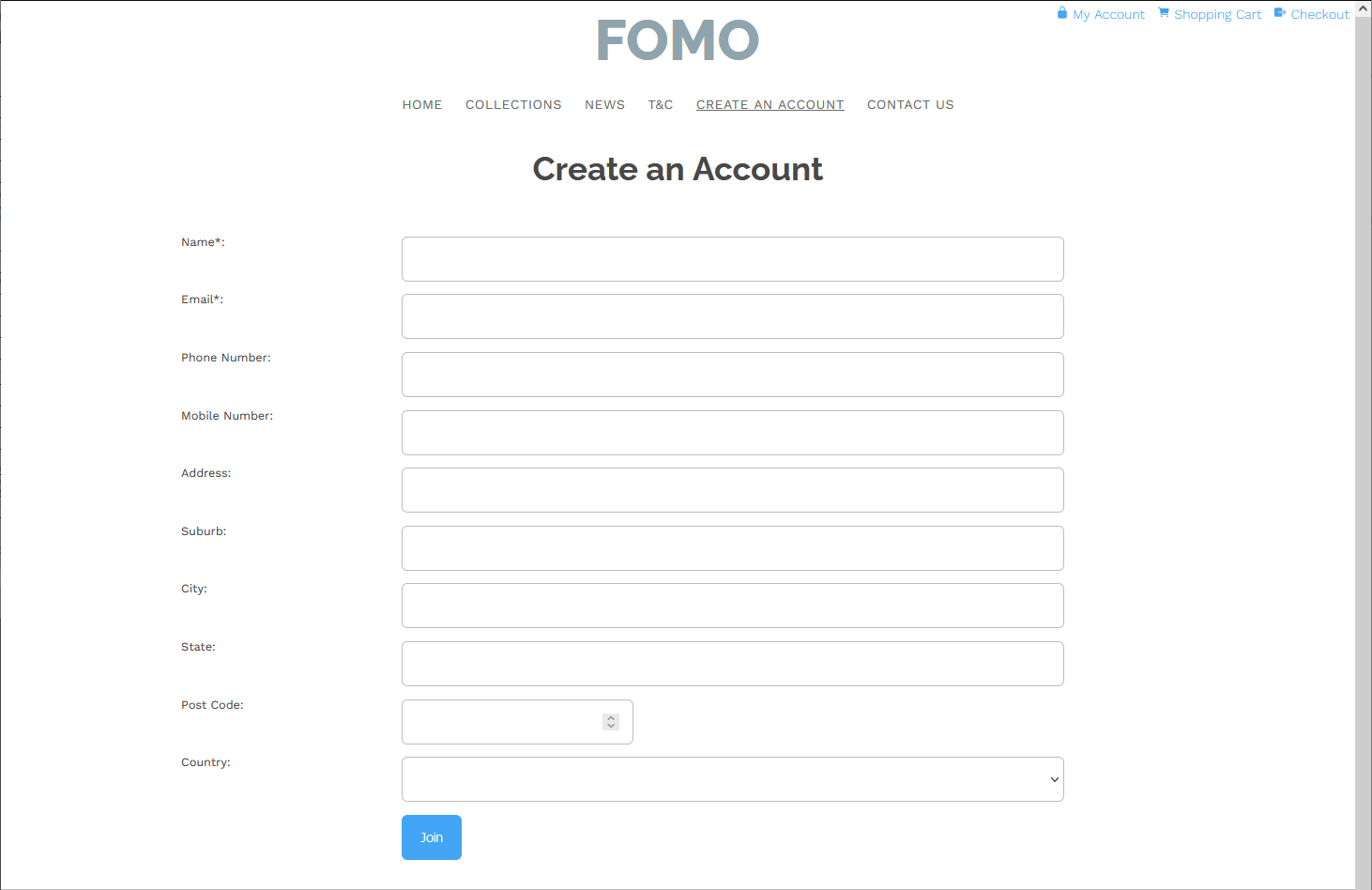
FOMO Template A
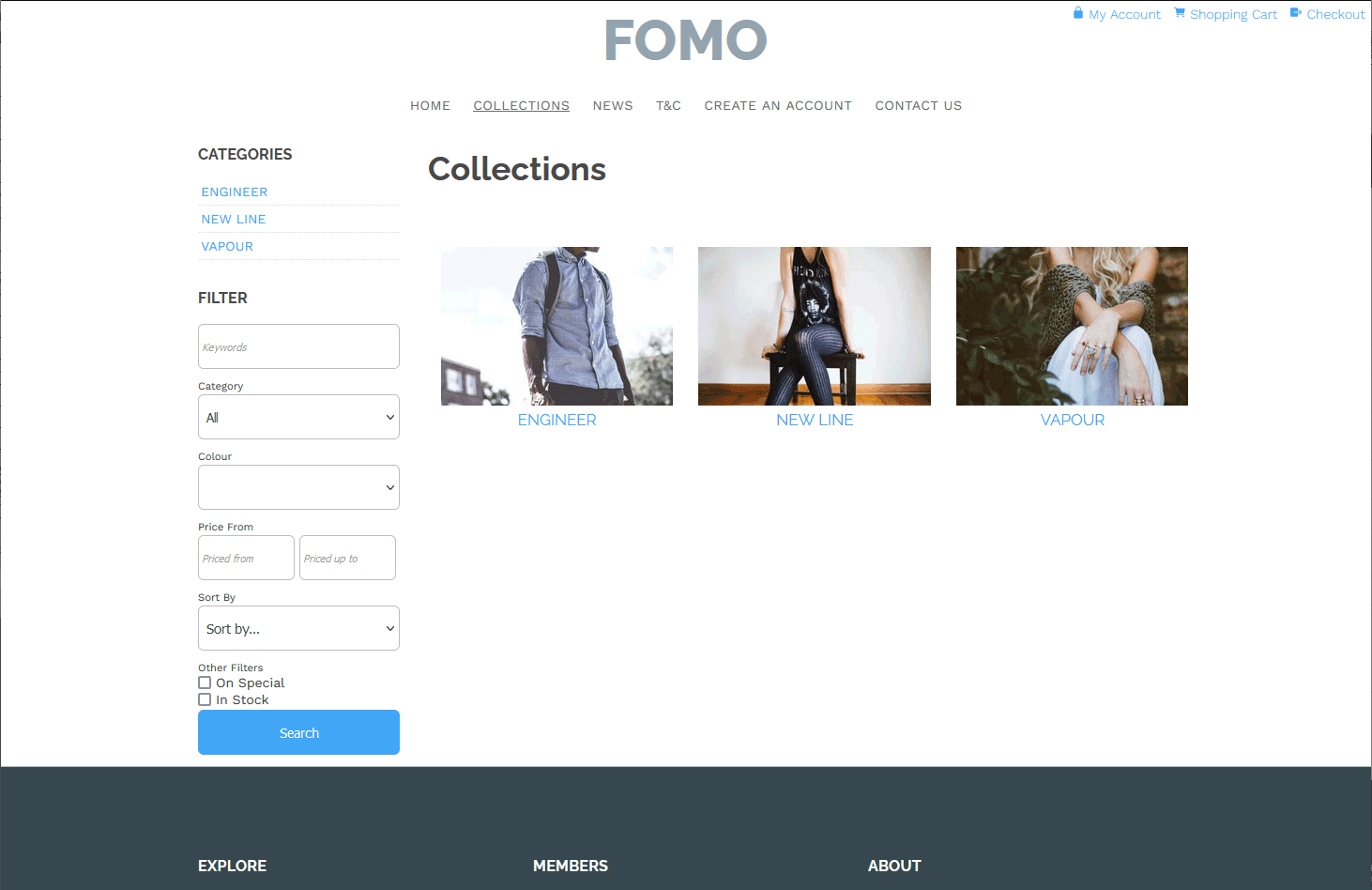
FOMO Template B with side column addition
How to change a page on your site to use a different template
- Choose the page you require from the WEB PAGES button on the left of the editor
- Once in the editor choose the OPTIONS button, located in the small tabs at the top right of the editor
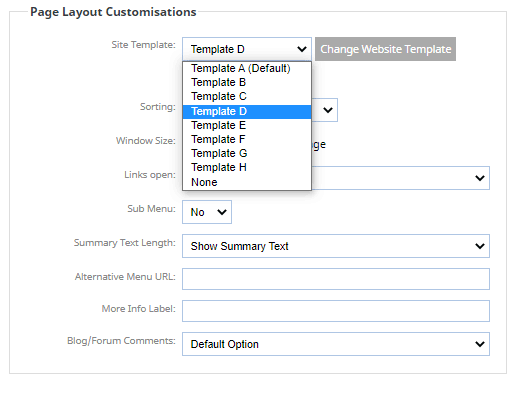
- From the options page choose the Site Template dropdown, and pick the template you would like the page to use (screenshow below)
- Save your changes and publish to see on the live site
Which templates are used on the site?
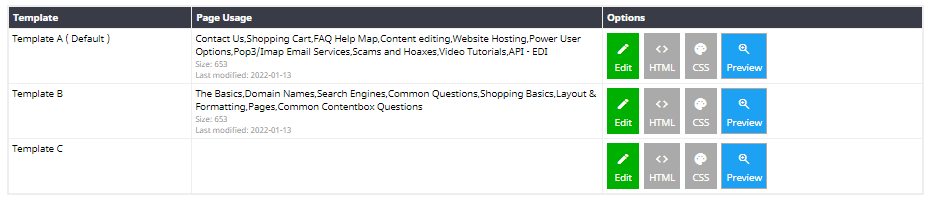
You can quickly find out which templates are used on the site via the DESIGN > TEMPLATE EDITOR area.
On this page you will find listed the current custom templates, and which page they are assigned to.
Renaming Templates with descriptive names
You can give templates more descriptive names to make it easier to identify each template, via the DESIGN REWORDS area.
To add a reword enter the name of the template as it appears e.g. Template A on the left and on the right, the new descriptor for the template.
This will then appear in the SITE TEMPLATE dropdown when setting the template and in the TEMPLATE EDITOR area.

An example of reworded templates in the Site Template dropdown.